It’s a Monday morning, the waiting room is full, and the dentist is hunting for a folder that someone filed under the wrong letter. Meanwhile a patient swears they had a filling “on the left, at the back” two years ago, and the paper chart says only “resin, LR.” Dental charting sounds like a back-office chore, but it decides how fast you find answers, how safely you treat and how confidently you defend a decision later.
Moving from paper to digital is not complicated, yet many practices in Botswana delay it because they fear losing control. This article walks through what actually changes, what to standardise first and how to make the switch without disrupting your patients.
Paper has real strengths. It needs no power, it never freezes, and everyone on the team already knows how to use it. Plenty of good dentists have run excellent practices on cardboard folders and a sharp pencil.
The trouble shows up in the gaps. Handwriting varies, so one clinician’s “MO” is another’s guess. Folders can only be in one room at a time, which means the receptionist can’t check a treatment history while the dentist is mid-procedure. A damp season, a burst pipe or a break-in can wipe out years of dental patient records in an afternoon.
Digital charts fix those gaps, but they bring their own demands. You need a sensible backup routine, reliable access for the team and some discipline about who can see and edit what. A badly set-up digital system can be messier than paper, because errors get copied faster.
When you compare paper dental charts vs digital charts, don’t ask which is more modern. Ask which one lets a new associate, a locum or a colleague covering a sick day understand a patient’s mouth in two minutes. For most practices past a certain size, that answer is digital.
Think also about retrieval. Finding every patient with a crown placed more than ten years ago is a task of days with paper and seconds on screen. That kind of search matters for recalls, for audits and for spotting patterns in your own work.
Choosing Digital Dental Charting Software That Fits Your Chair-Side Reality
Good digital dental charting software should feel quicker than the pencil, not slower. If your dentist needs six clicks to record one surface of one tooth, the system will be abandoned by Wednesday. Test it with a real procedure, not a polished sales demo.
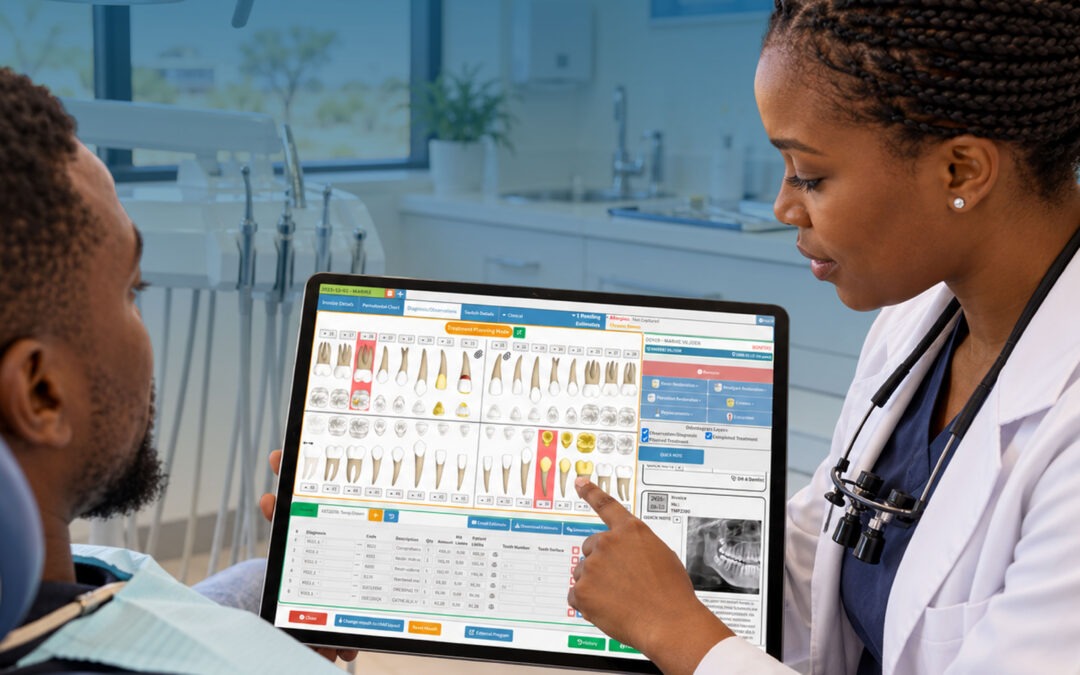
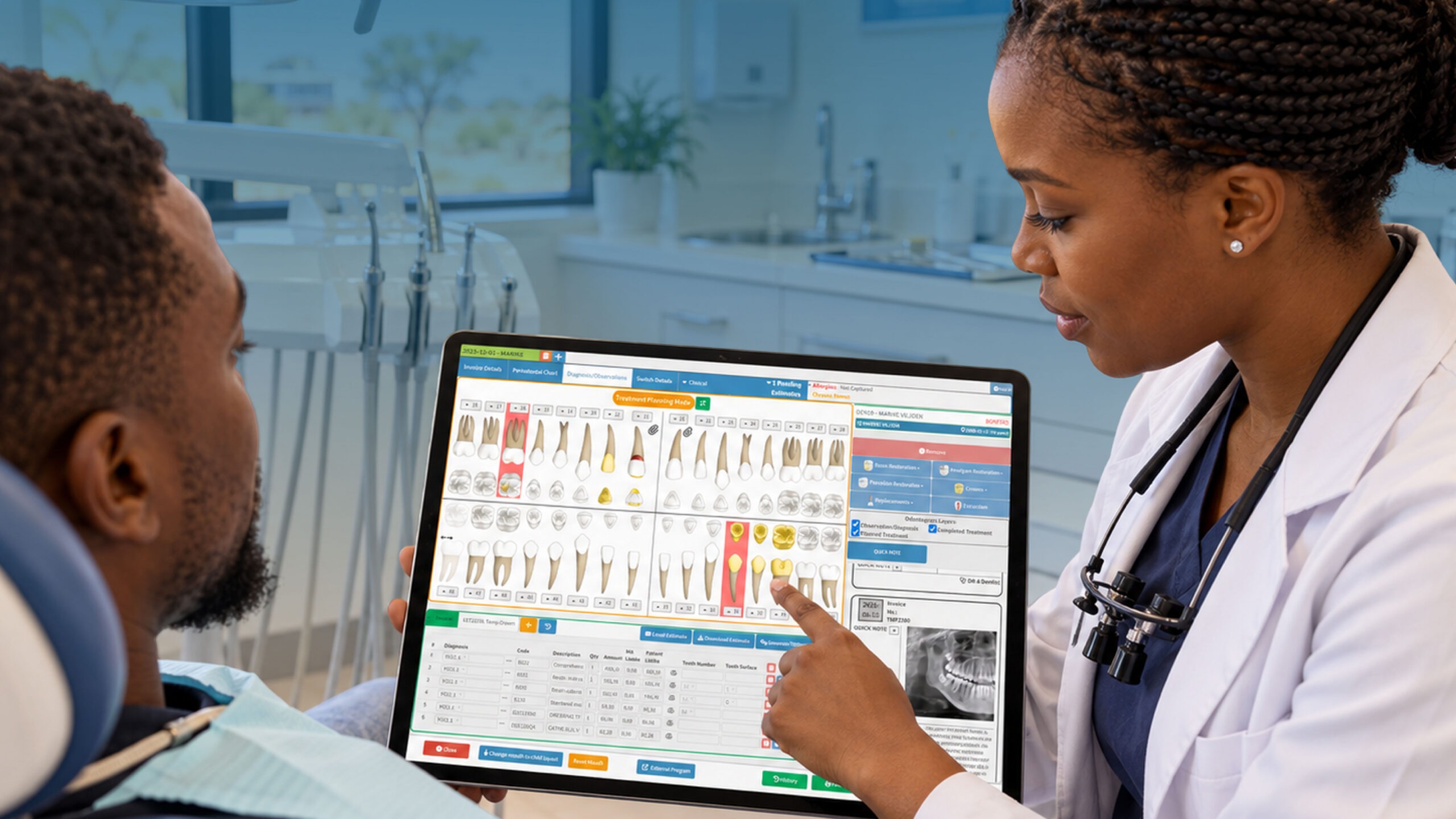
Look first at the tooth chart itself. A clear graphical chart that shows existing work, missing teeth and planned treatment at a glance is the heart of the system. It should handle both adult and primary dentition, because a family practice sees a four-year-old and a seventy-year-old on the same morning.
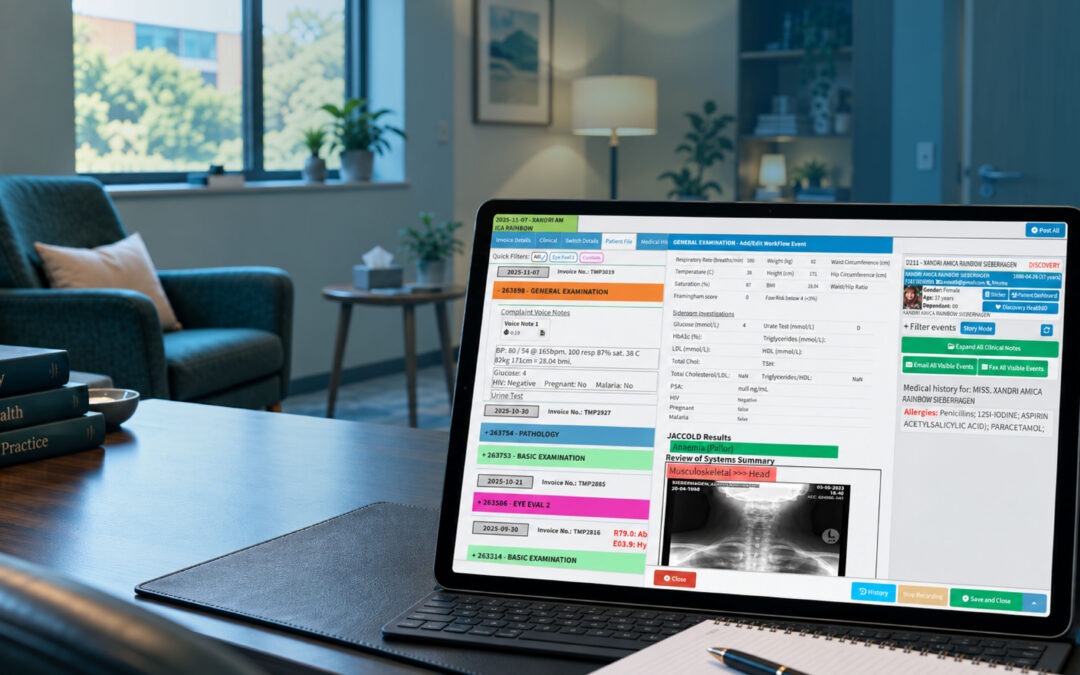
Then check how it connects to everything else. A chart that sits alone is just a prettier piece of paper. The chart should link to the appointment book, to treatment plans, to billing and to patient history, so that a procedure recorded chair-side flows through to the invoice without being retyped at reception.
Ask practical questions too:
- Does it work with your internet reality, including slow periods?
- Can you restrict who edits clinical notes?
- Is data backed up automatically, and where is it stored?
- Can the team be trained in a few short sessions?
Privacy deserves a straight look. Patient information is sensitive, and you carry responsibility for it. Check the requirements for registered practitioners through the Government of Botswana’s private health practitioner registration information and keep your obligations in mind when you decide where records are stored and who can open them. The World Health Organization’s work on digital health is also a useful background read on why secure, well-governed digital records matter.
How to Standardise Dental Chart Notes Before You Go Digital
Here’s the part most practices skip, and it’s the part that decides whether the move works. If your paper notes are inconsistent, a digital system will simply store the inconsistency in a tidier font. Standardise first, then migrate.
Start with tooth numbering. The two-digit system promoted by the FDI World Dental Federation gives every tooth a unique number, so 36 means the lower left first molar to everyone who reads it. Pick one notation, write it down and make sure every clinician uses it. Mixed systems in one practice are an accident waiting to happen, especially when a locum arrives from elsewhere.
Next, agree your shorthand. Decide how you’ll record surfaces, materials, conditions and treatment status, and put it on one page. If “caries” is sometimes “decay” and sometimes “lesion”, your searches and reports will miss half the picture. Where a diagnosis is recorded, consider aligning with the WHO’s ICD classification so your terms are recognised beyond your own walls.
Good tooth chart templates help here. Build or choose templates for a new-patient examination, a routine recall, an extraction and a root canal, each with the fields you always want filled in. A template nudges people toward completeness without nagging.
A short practice routine keeps it alive. Hold a thirty-minute huddle to agree the shorthand, run a few sample charts together and have each clinician chart the same imaginary patient. You’ll be surprised how differently four capable dentists record the same mouth. Those differences are exactly what you want to find out before real patients are involved.
Finally, decide what a complete note contains. Presenting complaint, findings, diagnosis, treatment, materials, anaesthetic, advice given and next step is a solid skeleton. When every entry follows it, your records become reliable evidence rather than personal memory aids.
Where GoodX Fits Into the Picture
A chart is only one piece of a working day. Bookings, billing, claims, recalls and reporting all touch the same patient, and when they live in separate places, staff retype the same details again and again. That’s where mistakes creep in.
GoodX is dental practice management software built to keep those pieces together. Clinical records, appointments and billing sit in one system, so a treatment recorded on the chart can feed the account without a second round of typing at reception. Reminders and recall lists can reduce no-shows and bring overdue patients back, which matters on a Friday afternoon when a gap in the diary is lost income.
For practices handling medical aid or insurer work, having accurate clinical detail attached to an account helps cut down avoidable rejections. Reporting tools give you a view of how the practice is performing, so decisions about hours, staffing and services rest on information rather than gut feel. You can read more about the [clinical records side of GoodX](INTERNAL LINK: GoodX clinical records -> GoodX dental software page) and how it supports consistent documentation.
If you’re weighing your options, it’s worth looking at how a full [dental practice management software](INTERNAL LINK: dental practice management software -> GoodX practice management overview) setup compares with patching together separate tools. A short conversation with the team can show how it would look with your own workflow, your own staff and your own patients.
Making the Switch Without Disrupting Your Patients
Don’t try to convert everything in one weekend. A calmer approach is to go digital for all new patients from a set start date, and to bring in existing patients as they come for appointments. Within a year or so, most active charts will have moved across naturally, and the dusty folders of patients who haven’t visited in a decade can be scanned or archived separately.
Pick a champion on the team, usually someone organised rather than the most technical. Give them time to learn the system properly, then let them coach the others. People accept change faster when a colleague shows them than when a manual does.
Keep the paper charts for a transition period, but be strict about the rule: once a patient is on the new system, the digital record is the single source of truth. Two parallel records are worse than either one alone. Set a date on which paper stops, and stick to it.
Consider the wider picture too. Oral disease remains a major public health burden, and the World Health Organization’s oral health fact sheet points out that much of it is preventable. Consistent records are what let a practice spot trends, follow up high-risk patients and show the value of preventive care. Botswana’s own health priorities are set out by the Ministry of Health and Wellness, and good documentation puts your practice in step with that direction.
One last practical point: test your restore process. A backup that has never been restored is only a hopeful theory. Do a trial recovery in the first month so you know exactly what happens on the day something goes wrong.
Frequently Asked Questions
Is digital dental charting legal in Botswana?
Yes, practices can keep patient records electronically, provided they meet their professional and confidentiality obligations. Check the requirements for registered practitioners with the Ministry of Health and Wellness and your professional body, and make sure access to records is controlled and backed up.
How long does it take to move from paper to digital charts?
Most practices need a few weeks to prepare and train, then several months to bring active patients across. Starting with new patients and converting existing ones at their next visit is usually the least disruptive route, and avoids a heavy data-entry burden.
Do I need to convert every old paper chart?
No, you don’t have to convert everything. Focus on active patients and key history such as allergies, past treatment and radiograph notes. Older inactive files can be scanned or archived securely, and kept according to your retention requirements.
Which tooth numbering system should my practice use?
Choose one system and use it consistently. The FDI two-digit notation is widely used internationally and identifies each tooth uniquely, which reduces confusion between clinicians. Whatever you pick, document it and make sure locums and new staff are trained on it.
What if the internet goes down during a patient visit?
Plan for it before it happens. Keep a short paper downtime form for essential notes, then enter the details once the connection returns. Ask any software provider how their system behaves during connectivity problems and how your data is protected.
Book your free GoodX demo
Seeing a system working with your own kind of day is the quickest way to judge whether it suits your practice. Book a free demo at goodx.co.bw and ask the team to show you how dental charting, bookings and billing work together.
Disclaimer: This article is provided for general informational and educational purposes only. While GoodX Software takes reasonable care to ensure that the information is accurate and current at the time of publication, laws, regulations, industry standards, healthcare policies and technology may change. The content should not be regarded as medical, legal, financial or other professional advice. Readers should verify information relevant to their circumstances and consult an appropriately qualified professional where necessary. GoodX Software accepts no responsibility for decisions made or actions taken solely on the basis of this content.